Video Compressor for Android without Losing Quality
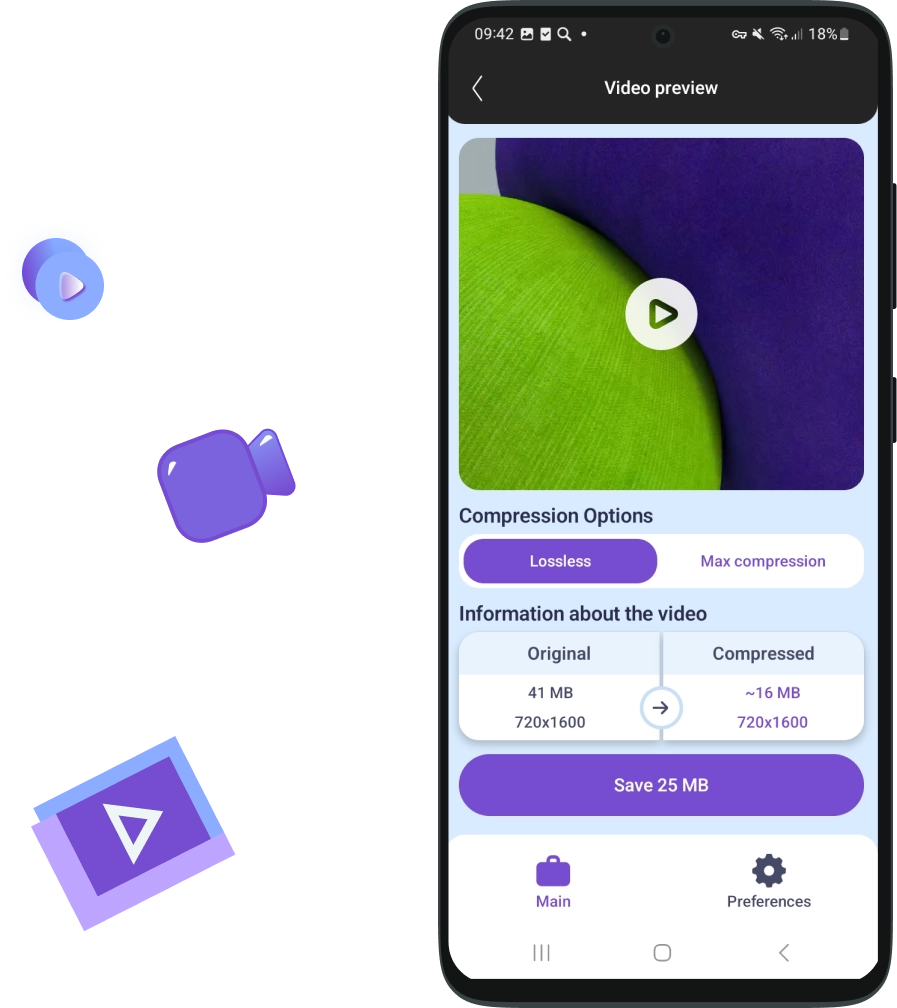
Video compression on Android is a balance between quality and file size. Compressed videos take up less space, load faster, and are easy to send to messengers.
Why do you need a Video Compressor function on Android?
Every time you record a video on your phone, it occupies storage space:
4K videos can take up several gigabytes;
Old recordings sit for years without being watched, but continue to take up space;
A full storage slows down your device and stops you from installing new apps.
Using JWizard Cleaner as a video size reducer addresses these issues: it compresses video files to free up space while maintaining acceptable quality and speeds up your smartphone.
How Much Storage Can Be Freed Up by Compressing Video?
Compressing video files using JWizard Cleaner can significantly reduce file sizes without substantially compromising quality. The amount of storage saved depends on the original format, the compression mode selected, and the content of the video.
Examples of compression results:
Lossless Compression Mode
Original Size
After Compression
Savings
4K, 500 MB →
4K, 200 MB
~60%
1080p, 200 MB →
1080p, 85 MB
~60%
Maximum Compression Mode
Original Size
After Compression
Savings
4K, 500 MB →
1080p, 100 MB
~80%
1080p, 200 MB →
720p, 50 MB
~75%
Tips for Effective Use:
When to Use Lossless Compression Mode:
For important videos (holidays, family moments, work records) where preserving quality is crucial;
When you need to retain original resolution (e.g., 4K for a TV display);
Before printing frames or for professional editing;
For short clips (up to 1 minute) where space-saving is not critical.
When to Apply Maximum Compression Mode:
For long videos (screen recordings, lectures, concerts);
Social media clips (like Stories, TikTok) where 1080p quality is sufficient;
Outdated files that are rarely viewed;
Emergency memory cleanup before a trip or a system update.
General Recommendations:
Avoid maximum compression for videos with text (e.g., presentation recordings) as it may cause "blurring";
Do not delete the originals immediately—ensure the compressed version plays correctly;
Avoid multiple compressions of the same video file, as it leads to noticeable quality degradation.
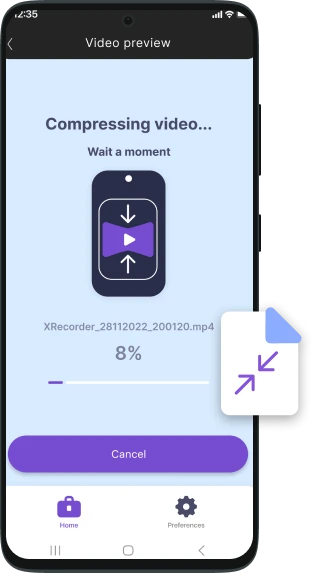
Why Choose JWIZARD Cleaner?
Automatic Optimization
JWizard analyzes and suggests the best compression settings to compress a video file efficiently.
User-Friendly Interface
Enables video downsizing and compression with just a few clicks.
Security
Ensures compression without losing important data.
Support for Popular Formats
such as MP4, MOV, AVI, and more.

Trusted by thousands of users.
Over 100, 000 people have chosen JWIZARD Cleaner to improve their devices' performance. Join them!
User Opinions
Other features of JWIZARD Cleaner for Android:
Smart Cleaner
Search for large files
Search for duplicate files
App Manager
Download JWIZARD Cleaner today
and optimize memory on Android!
Answering Your Questions:
Will the video quality degrade after compression?
It depends on the selected mode. In JWizard Cleaner, you can compress videos without losing quality or optimize them for specific tasks.
Can the original be restored after compression?
How often should this feature be used?
Articles

Resolving the problem of uninstalling apps from Launchpad on Mac
Learn how to resolve the problem with uninstalling an app from Launchpad. This article provides step-by-step instructions and helpful tips for troubleshooting this issue

How do I uninstall an app on my Mac?
3 ways to uninstall apps on your Mac: compare and choose the one that works best for you. Learn how to completely uninstall an app from your Mac and clear disk space.
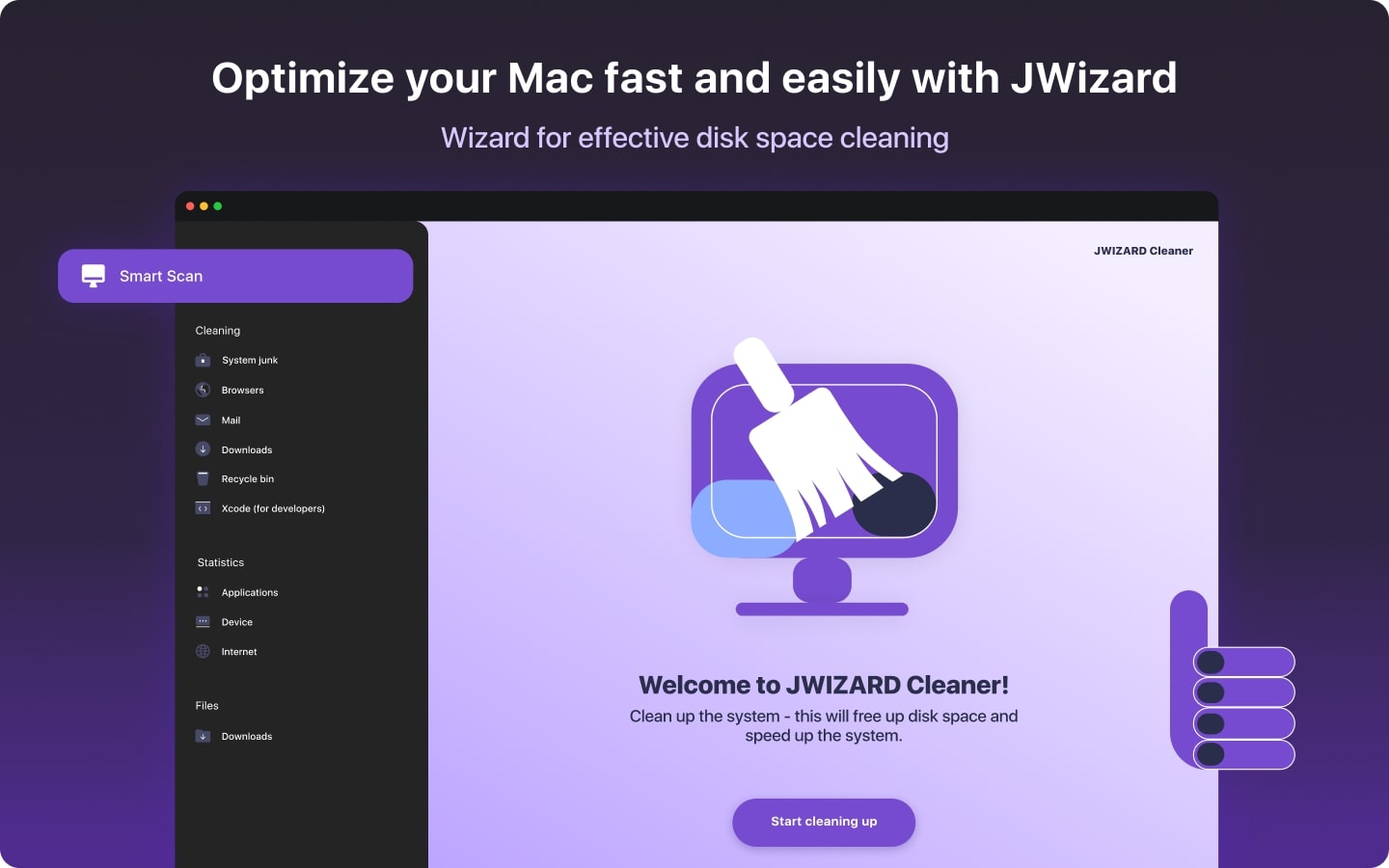
Freeing up space on your Mac: How do I delete junk files and clean up my disk?
Learn how to clear disk space on your Mac using manual cleanup methods or a program. Follow the tips to free up space and improve performance.