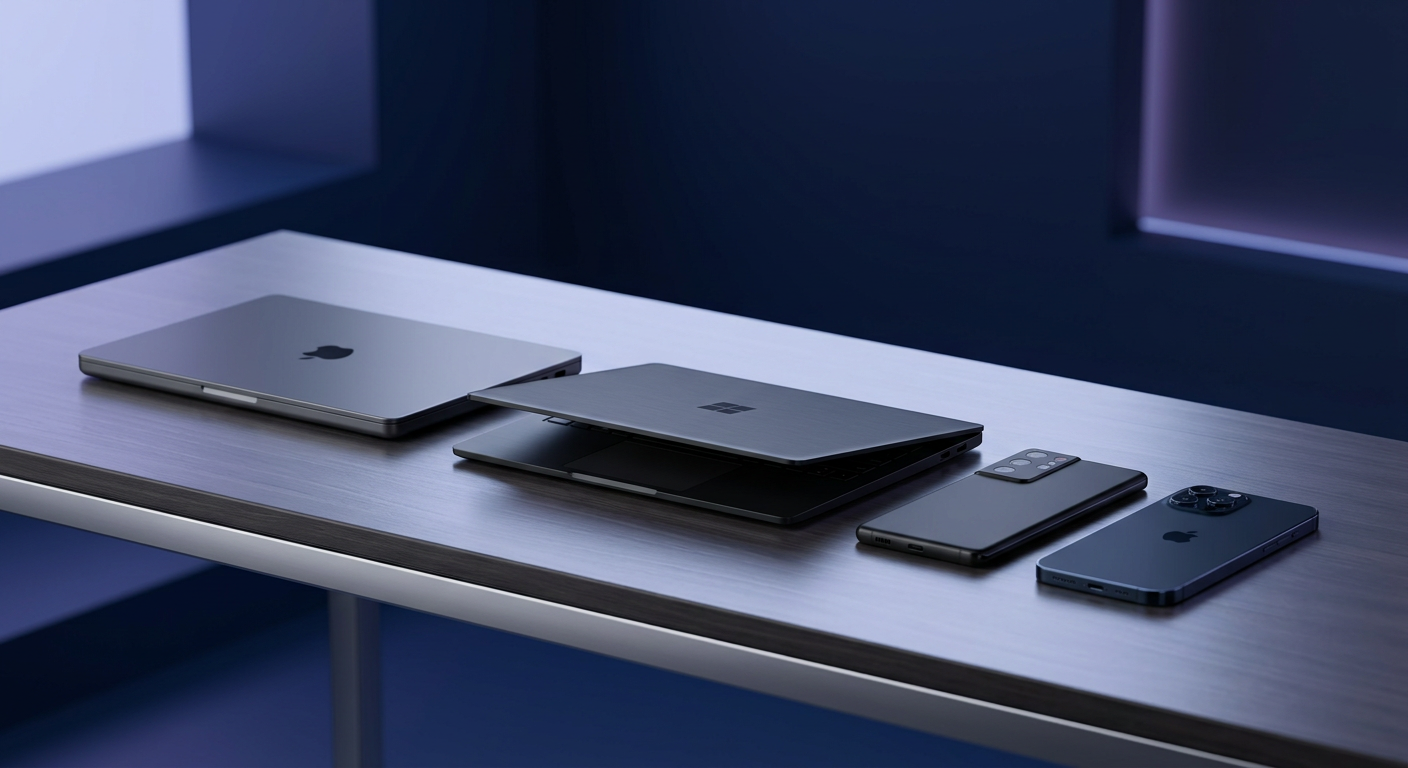
Most people today juggle more than one device: a Mac or Windows PC at work, an Android phone in their pocket, sometimes an iPhone on top of that. Each one piles up junk in its own way, and no single OS offers a tool that watches all of them at once. Here’s how cleanup approaches actually differ across platforms, and where JWizard Cleaner fits on each one.
Table of Contents
- Why No OS Cleans Up Junk on Its Own
- What Piles Up on Each Platform
- How to Choose a Cleanup Tool
- Comparing the Approaches
- Which Tool Fits Your Setup
- JWizard Cleaner: Cleaning Every Platform You Own
- Frequently Asked Questions
Why No OS Cleans Up Junk on Its Own
Every platform manages storage by its own rules. Android piles up cache inside individual app folders and doesn’t remove install APKs once the app is set up. Windows, meanwhile, only clears temp files reactively – once the drive is already full. iOS won’t let third-party apps touch your media library without confirming every single action. macOS, for its part, doesn’t hunt for duplicates at all.
As a result, anyone with more than one device ends up without a single tool that sees the full picture. Want to tackle manual cleanup on a specific OS instead? Then keep an eye on our upcoming platform-by-platform guides.
What Piles Up on Each Platform
Junk looks different everywhere, which is exactly what makes universal cleanup tricky:
- Android – app cache, leftover APK installers, log files, duplicate photos from messaging apps
- Windows – temp files, browser and Store cache, thumbnails, Recycle Bin contents
- iPhone – app media cache (Telegram and WhatsApp alone can eat up 2-4 GB), offline content
- Mac – cache in ~/Library/Caches, system logs, duplicate files, leftovers from uninstalled apps
On a device that hasn’t been cleaned in several months, this junk typically adds up to 3-8 GB.
How to Choose a Cleanup Tool
Three factors that actually drive the decision:
How many devices you own. For a single Mac or a single Android phone, built-in tools or one platform-specific app will usually do the job. However, once you have several devices, each OS’s built-in tools can’t see beyond themselves – so you either juggle multiple apps or look for a cross-platform solution.
What exactly needs cleaning. Built-in tools handle the obvious stuff – temp files, cache. They don’t touch duplicate photos, app logs, or leftovers from uninstalled programs. If that matters to you, you need a tool that runs a full scan.
How much regularity matters. Manual cleanup once every six months takes longer than staying on top of it, since junk builds up in layers. Automatic scanning solves this without you having to remember.
Comparing the Approaches
Which Tool Fits Your Setup
Just one Mac. macOS’s built-in tools cover the basics – finding large files, clearing cache. That said, they fall short for deep cleaning: no duplicate search, no removal of leftover app files, no handling of mail attachments, no control over login items. JWizard Cleaner closes all these gaps on Mac, and adds SmartScan, an uninstaller that removes leftover files completely, browser cleanup, outdated-file detection, and performance monitoring.
Just one Windows PC. Storage Sense and the built-in Disk Cleanup handle the basics. For anything deeper, they’re not enough: no duplicate finder, no startup-app management, no cleanup for game launchers or email clients. JWizard Cleaner covers all of that, plus SmartScan, an uninstaller, and video compression. If an Android phone is also connected to the PC, you can even launch phone cleanup directly from the Windows app.
Just Android. The phone’s built-in tools show what’s eating up space, but they skip duplicate photos and app logs entirely. JWizard Cleaner adds category-based smart cleanup, similar-photo detection via perceptual hashing, an app manager sortable by size and last-used date, and video compression with a preview before you save.
Mac + iPhone. Built-in tools simply won’t cut it here: iOS doesn’t allow centralized cache cleanup, and CleanMyMac doesn’t touch mobile devices at all. You’re left choosing between two separate apps or one cross-platform solution.
Multiple devices – Mac, Windows, Android, iPhone. This is the most common scenario by far. Keeping a different tool for every device gets unwieldy fast. JWizard Cleaner is available on all four platforms – one brand, the same cleanup logic everywhere – though the subscription is set up separately for each device.
JWizard Cleaner: Cleaning Every Platform You Own
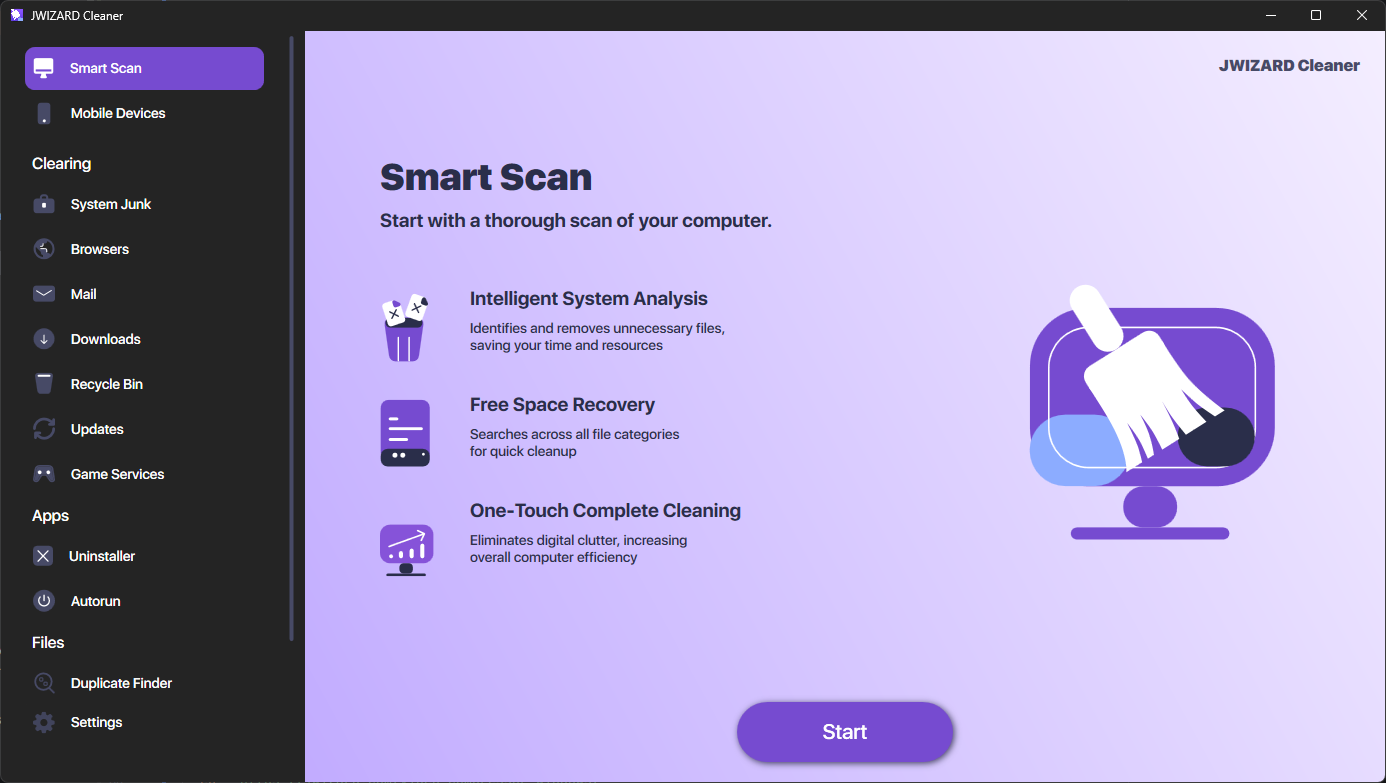
JWizard Cleaner is available on Mac, Windows, Android, and iOS. On every platform, the app automatically scans the device and sorts what it finds into categories:
- Junk files – leftover APK installers after app installs
- Log files – log, stacktrace, and similar files
- Temporary files – tmp files and other cache
- Large files – anything over 1 GB
- Duplicate photos and videos – finds visually similar files without manual sorting
- App manager – removes unused apps on Android
A scan typically takes 1-2 minutes and turns up anywhere from 1 to 5 GB of junk, depending on how long it’s been since the last cleanup. JWizard Cleaner has over 50,000 installs across all four platforms combined.
Frequently Asked Questions
Can I clean Mac, Windows, Android, and iPhone with one app?
Yes, though options like this are rare. Most tools only cover one or two platforms. JWizard Cleaner, on the other hand, works across all four and keeps the same interface on each one.
How does automatic cleanup differ from built-in OS tools?
Built-in tools only remove specific categories of files – for example, Storage Sense on Windows frees up space reactively, once your drive is already full. An automatic scanner, in contrast, analyzes the entire device and surfaces every junk category at once.
Is it safe to clear app cache on Android manually?
Clearing cache through Settings → Storage is safe: the system only stores temporary data there, which apps rebuild the next time they launch. Your personal data and settings stay untouched.
How do I get rid of duplicate photos across several devices at once?
Doing it manually means using a separate tool for every platform. JWizard Cleaner, however, searches for duplicates on each supported device – just run a scan on each one.